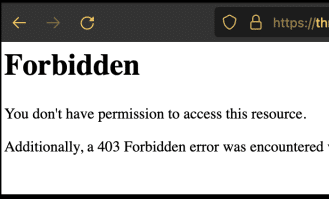
If you are starting a new account you may need to create an .htaccess file in order to view your website:
403 forbidden Error will show up instead of your home page unless you have an .htaccess:

To fix go to “File Explorer” In Cpanel (or FTP) then enter the “public_html” folder and create(+File) or Edit the file: Name it: .htaccess

Add the content below to the .htaccess file starting with “# Begin WordPress” & ending with “# END WordPress“
# BEGIN WordPress

RewriteEngine On
RewriteRule .* - [E=HTTP_AUTHORIZATION:%{HTTP:Authorization}]
RewriteBase /
RewriteRule ^index\.php$ - [L]
RewriteCond %{REQUEST_FILENAME} !-f
RewriteCond %{REQUEST_FILENAME} !-d
RewriteRule . /index.php [L]

# END WordPress


Please see the official WordPress htaccess page for more options
Please let us know if you need any assistance.